
Published October 4, 2026 · 8 min read · What to check, what to compare and which mistakes to avoid
There are more hosting management software options today than ever before, and most of them claim to do everything. Picking the wrong one is expensive - not just in license fees, but in migration time, lost hours and frustrated clients. This buyer's guide walks you through how to evaluate hosting management software in a practical way: what to check first, how to compare pricing, which questions to ask, and the common mistakes that catch teams out.
Before you look at a single feature list, write down how your team works today. How many sites do you host? What are they built with - WordPress, Laravel, plain PHP, Node.js? Do you host only your own projects, or sites for clients who need their own logins and invoices? Who on your team will use the software every day?
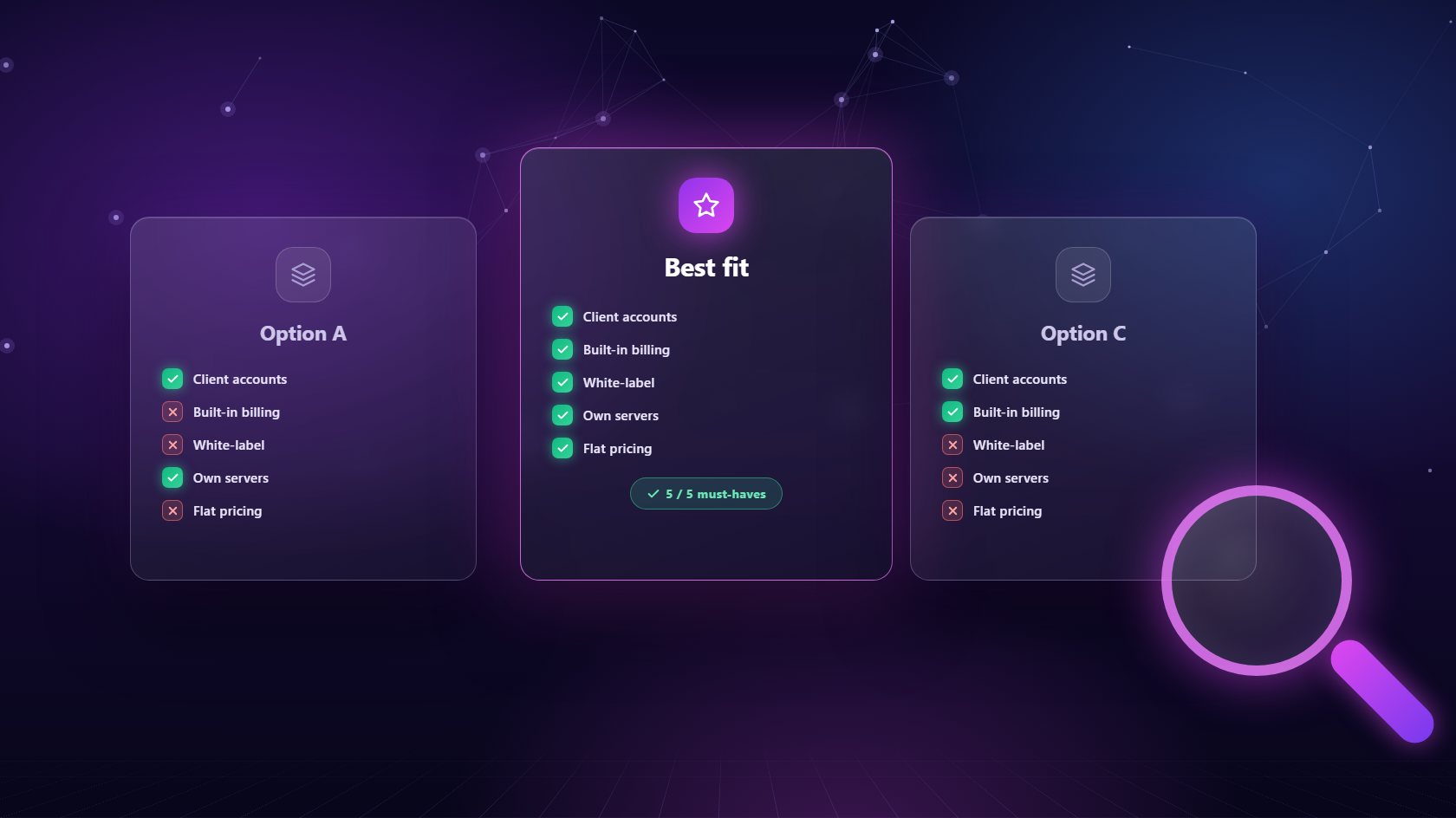
These answers narrow the field quickly. A solo developer running personal projects needs very different hosting management software from an agency hosting forty client sites. If you host clients, you need client accounts, plans and billing - not as optional add-ons, but as core features. If your team is mostly designers and marketers, ease of use matters more than deep command-line options. Be honest about where you'll be in two years, too. Switching tools is painful, so it's worth choosing something that fits your next stage of growth, not just today's needs. A short written list of must-haves keeps you focused when sales pages get persuasive.
Some features are simply non-negotiable. Good hosting management software should isolate sites from one another, so one problem never spreads. It should issue and renew SSL certificates automatically. It needs scheduled backups with one-click restore, ideally sent to storage separate from the server itself. And it should show live resource usage so you can spot trouble early.
Beyond that, look for the tools you'll use every week: staging sites for safe updates, database support for MySQL, PostgreSQL and MongoDB, real email hosting on client domains, a server-level firewall, cron job scheduling and the option to switch PHP versions per site. Git-based deployment is a big plus if your team works with code. Don't be dazzled by long lists of extras you'll never touch. A shorter set of features that work reliably beats a huge menu of half-finished ones every time. Ask for a trial and test the features you'll rely on most, rather than the ones that look best in a demo.
Hosting management software is priced in a few common ways, and the differences matter more than the headline number. Per-account or per-client pricing looks cheap at first but grows with every client you add, which quietly eats your margin as you succeed. Tiered plans often lock important features behind higher levels, so you end up paying more for something you assumed was included.
Flat per-server pricing tends to be the most predictable. You pay a fixed amount for each server you connect, and you can add as many clients and sites to it as it can handle. NextaPanel, for example, charges $10 per server per month with every feature included. Whichever model you consider, work out the total cost at your current size and at double your current size. Include extras like backup tools, billing software and support plans you'd need to buy separately. That full picture is usually very different from the price on the front page, and it's the number that actually matters.
One question many buyers forget to ask is: what happens if we leave? Some hosting management software ties you to a single hosting provider, or keeps your sites on infrastructure you don't control. If prices rise or service drops, moving away becomes a major project.
The safer choice is software that runs on servers you own. You rent a VPS from whichever provider you like, connect it to the panel, and the panel manages it for you. If you ever stop using the software, the server and everything on it is still yours. Look for the same freedom with backups - the ability to send them to your own SFTP server, Backblaze or Hetzner storage rather than a proprietary system. Ask how disconnecting works, too. A good tool tears down cleanly without leaving orphaned services running. Owning your infrastructure gives you negotiating power, flexibility and peace of mind, which are worth a great deal over the years.
The most common mistake is choosing based on today's size alone. Software that's perfect for five sites may become painful at fifty, especially if pricing scales per account. The second is ignoring the client experience. If you host for clients, they'll see the dashboard, receive the invoices and use the support system, so those parts deserve as much attention as the server tools.
Another mistake is skipping a real test. Before committing, connect a spare server, create a few test sites, run a backup and restore, switch a PHP version and send a test invoice. You'll learn more in an hour of hands-on use than in a week of reading reviews. Finally, don't migrate everything at once. Move new clients first, then existing ones as their renewals come up. That keeps risk low and gives your team time to learn the new hosting management software properly. Take it step by step, and the switch will feel like an upgrade rather than an upheaval.
It is software that lets you run websites and servers from one dashboard - creating sites, managing databases and email, taking backups, handling security and, in agency-focused tools, managing client accounts and billing.
Pricing ranges from free open-source tools to per-account or per-server licenses. Compare the total cost at your current size and at double that size, including any backup, billing or support tools you would need to add separately.
Yes, if you move sites one at a time. Set up the new tool on a fresh server, migrate each site, test it on a temporary address, then update DNS. Lowering the DNS TTL a day before keeps the switch quick.
Connect a spare server, run through your must-haves and see if NextaPanel fits - every feature is included from day one.
See Plans & Pricing