
Published October 2, 2026 · 8 min read · Monitoring, security and software for all your servers in one place
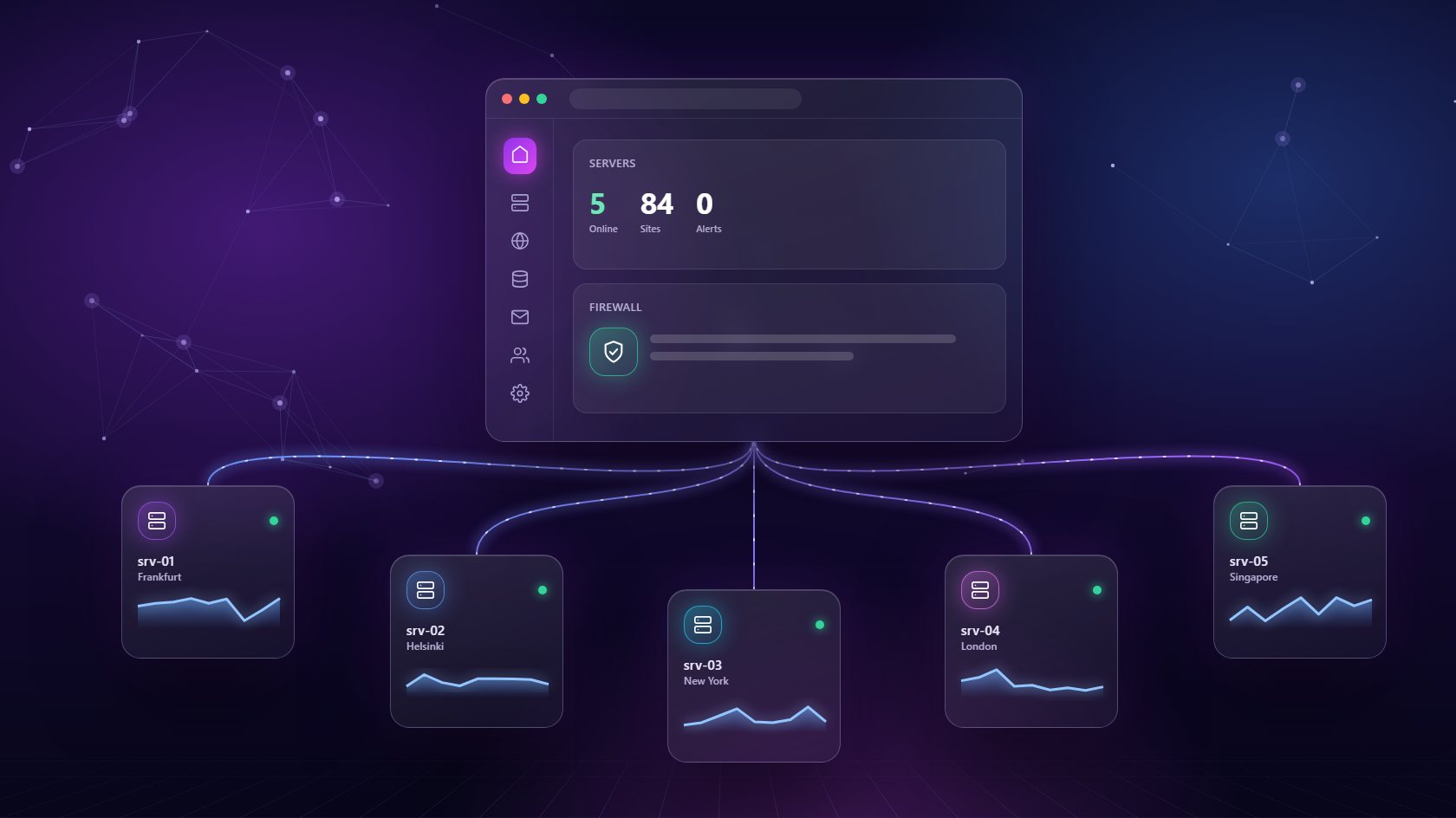
Running one server is manageable. Running three, five or ten - each with its own logins, settings and quirks - is where things start to slip. A server management panel brings all of them together in one dashboard, so you can see their health, change their settings and keep them secure without logging into each machine separately. Here's what a server management panel does, which features matter most, and how it helps small teams look after serious infrastructure.
A server management panel is software that connects to your servers and gives you one place to control them. Instead of opening a terminal for each machine and typing commands, you see every server in a single list with its status, resource usage and the services running on it.
From there, you can do the jobs that normally need a system administrator: install web servers and databases, configure firewalls, schedule cron jobs, manage SSL certificates and reboot a machine when needed. The panel handles the technical details in the background and does each task the same way every time, which cuts down on human error. It's especially useful for teams that need reliable servers but don't want to hire a full-time sysadmin to look after them. Developers, agencies and growing businesses all fit that description. A server management panel lets them run infrastructure confidently while spending their real energy on building products and serving clients, which is where their value actually lies.
The most important thing a server management panel does is tell you what's happening. Live memory and disk charts for each server show you at a glance which machines are healthy and which are under strain. When you can see a problem building, you can fix it on your own schedule rather than at midnight.
Good panels go a step further with auto-healing. If a critical service like the web server or a database crashes, the panel restarts it automatically, often before anyone notices there was a problem. After a reboot, it watches the server come back online and brings database services up again. This kind of quiet, constant care is what separates a reliable setup from a fragile one. It also means you're not glued to your phone waiting for alerts, because the most common failures fix themselves while you're busy doing other work. You still get the full picture afterward, so you can spot patterns and fix the root causes properly.
Security gets harder as you add servers, because every machine needs its own rules and every rule needs to be kept up to date. A server management panel lets you manage all of it from one dashboard, which makes it much less likely that one forgotten server becomes your weak point.
Look for real, server-level firewall rules that let you allow or block traffic by port and IP address, applied on the machine itself, not just at the network edge. You should be able to set rules for the whole server or for a single site - for example, restricting a staging site so only your team can reach it. Pair that with automatic SSL on every site, isolated environments so sites can't reach each other's files, and DNS and access rules through a provider like Cloudflare. Remember to review rules regularly and remove ones you no longer need. A tidy rule list is a safer rule list, and it's far easier to understand under pressure.
Every site has slightly different needs. One runs best on Nginx, another relies on Apache features. One needs PHP 7.4 for an old theme, another wants PHP 8.4. A server management panel lets you meet those needs per site, rather than forcing every site on a server to share the same setup.
In NextaPanel's server management panel, you can choose Apache or Nginx for each site, switch a site's PHP version live while the panel rebuilds its environment in the background, and inspect which PHP extensions are loaded before you troubleshoot a plugin. Databases work the same way. MySQL, PostgreSQL and MongoDB can be installed on demand, each as an isolated service with its own version and memory limit. Passwords can be rotated without downtime, and remote access can be opened or closed with a single toggle. phpMyAdmin and Adminer are one click away when you need to look inside. It's flexibility that would normally take hours of manual work.
The real test of a server management panel is how well it grows with you. Adding a new server should be as simple as entering its IP address and SSH details, then letting the panel set it up automatically. There should be no lock-in to one hosting provider - you should be free to use whichever company offers the best value in the region you need.
As you add servers, the panel should keep everything feeling like one system. New sites can be placed on whichever server has room. Backups from every machine can go to the same external storage. Revenue and cost can be tracked per server, so you know which machines are pulling their weight. And if you ever retire a server, disconnecting it should cleanly tear down its sites, databases and email services without leaving anything behind. That's the promise of a good server management panel: whether you run two servers or twenty, it should feel just as calm and organized as running one.
It is a dashboard that connects to your servers and lets you monitor and control them in one place - web servers, PHP versions, databases, firewall rules, cron jobs, SSL and reboots - without logging into each machine over SSH.
A good one can. NextaPanel works with any Ubuntu 22.04+ VPS from any provider, so you can mix Hetzner, DigitalOcean, Vultr or others and manage them all from the same dashboard.
Yes. The panel handles routine work for you, but the servers are still yours, with full SSH and direct file access whenever you need it.
Monitoring, auto-healing, firewall rules and databases for every server you connect - from any provider.
See the Server Panel