
Published September 30, 2026 · 8 min read · The control of your own server, with the ease of shared hosting
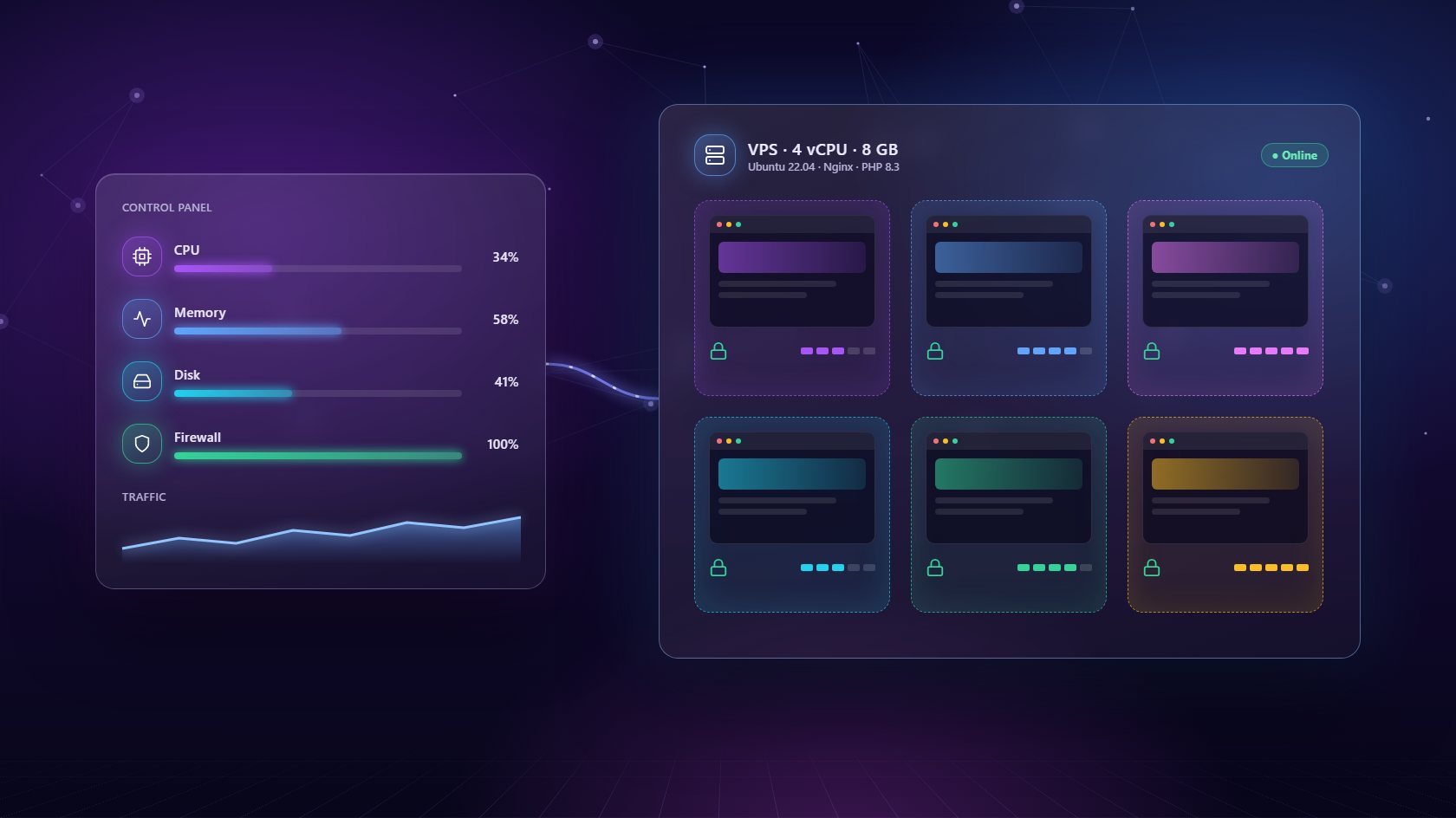
A VPS gives you your own slice of a powerful server, with guaranteed resources and full control. On its own, though, it's just an empty Linux machine. A VPS hosting control panel is what turns it into something useful - a place where you can launch sites, run databases, manage email and keep everything secure from a simple dashboard. This guide explains how a VPS hosting control panel works, why it beats shared hosting for growing agencies, and how to set one up the right way.
When you rent a VPS, you get CPU, memory, disk space and an operating system - nothing else. There's no web server, no database, no mail system and no easy way to manage any of it. Everything has to be installed and configured, usually by someone comfortable typing commands over SSH. For many teams, that's exactly where the project stalls.
A VPS hosting control panel fills that gap. It installs the software your sites need, configures it securely, and gives you a dashboard to manage it day to day. Creating a WordPress site, adding a PostgreSQL database or switching a site's PHP version becomes a few clicks. The panel also keeps watching the server, restarting services if they crash and showing you live resource usage. In short, it gives you the control and performance of a VPS with the ease of use people expect from shared hosting - without paying for a full-time system administrator to sit behind it.
Shared hosting puts your sites on a server alongside hundreds of strangers. It's cheap, but you share CPU and memory with everyone else, so one busy neighbor can slow your clients down. You also can't choose your PHP version freely, install custom software or set your own firewall rules. When something breaks, you open a ticket and wait.
A VPS changes that. The resources are yours, the configuration is yours, and the performance is predictable. Paired with a VPS hosting control panel, you keep the simplicity of shared hosting while gaining the control of your own machine. For agencies there's a money angle too. A single VPS has a flat monthly cost, whether it hosts three sites or thirty. As you add clients, the cost per site falls and your margin grows - something shared reseller plans with per-account fees can't match. Our comparison of VPS vs shared hosting breaks down the numbers in more detail.
The biggest worry about putting many client sites on a single VPS is that one bad site could affect the rest. It's a fair concern. Without care, a hacked plugin on one site could reach files belonging to another, or one traffic spike could eat all the memory and slow everyone down.
A good VPS hosting control panel solves this with isolation. Each site runs in its own environment, with its own user, its own PHP process and its own limits. If something goes wrong, it stays contained. On top of that, you want automatic SSL for every site, a server-level firewall where you can block ports and IP addresses, and scheduled backups sent to separate storage so a disk failure can't take out your only copy. Databases should run as isolated services with their own memory limits, too. Together these layers let you host many clients on one machine with confidence, instead of keeping your fingers crossed every time you add a new site.
Start with a fresh VPS running Ubuntu 22.04 or newer from any reliable provider. Avoid installing anything on it first - the control panel should set up the server from a clean state. Choose a region close to your clients' visitors, and size the server for where you'll be in six months, not just today.
With NextaPanel's VPS hosting control panel, you add the server by entering its IP address, SSH port and a key or password. The panel tests the connection, then provisions the essentials automatically: web server, SSL, isolation and live monitoring. When it finishes, connect your external backup storage and set a backup schedule. Then create a test site and run through the basics - load it over HTTPS, take a backup, restore it, and switch its PHP version. Spending fifteen minutes on this check gives you confidence that everything works before real clients depend on it. After that, you're ready to start adding real sites and real customers.
Sooner or later, one server won't be enough. The usual signs are memory that stays high most of the day, disk space running low, or a few busy sites that need more room than the rest. The live charts in your VPS hosting control panel will show these trends long before visitors notice a slowdown.
Adding capacity is simple. Rent a second VPS, connect it to the same panel, and new sites can go there while existing ones stay where they are. Some agencies split servers by client type - one for small brochure sites, one for busier online shops - while others split by region to keep sites close to their audiences. Because a good panel charges a flat fee per server rather than per site, growing this way stays affordable. And because everything is managed from one dashboard, two servers are barely more work than one. The same is true at five or ten, which is why this setup scales so well for growing agencies.
It is software that turns a bare virtual private server into a managed hosting platform. It installs the web server, SSL, databases and monitoring, then gives you a dashboard to create sites, manage email and take backups without the command line.
For agencies and growing sites, usually yes. You get dedicated resources, per-site PHP versions, your own firewall rules and a flat monthly cost that does not rise with every site you add.
It depends on the server size and the sites. A 4 GB VPS comfortably runs a good number of small business sites. Watch the memory and disk charts in your panel and add a second server when usage stays high.
Connect any Ubuntu 22.04+ VPS and let NextaPanel set up the web server, SSL, isolation and monitoring for you.
See How Servers Work